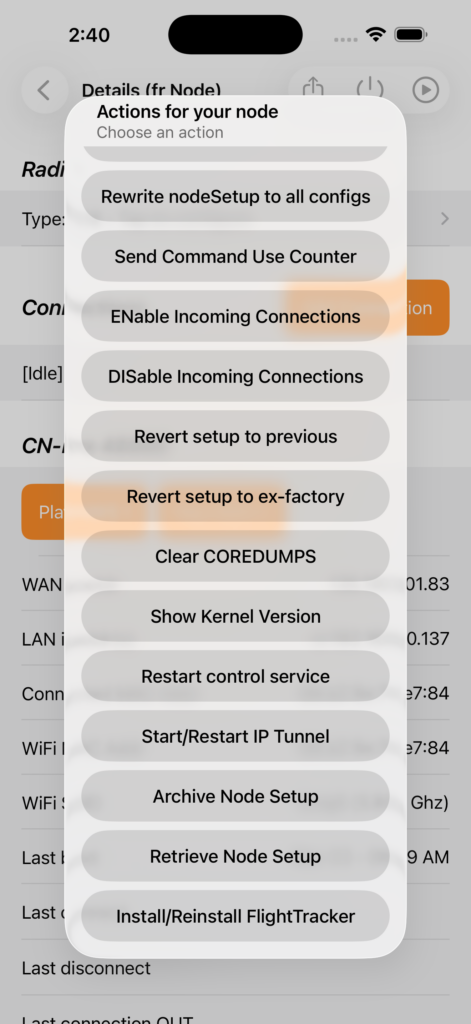
Note: this functionality is only available in the ASL3 based nodes. You must also have an available USB Port – the following nodes are not supported – ClearZero and ClearAlpha.
(Credit is due to the awesome installation script and developers of readsb and tar1090 – you will also find documentation at those links.)
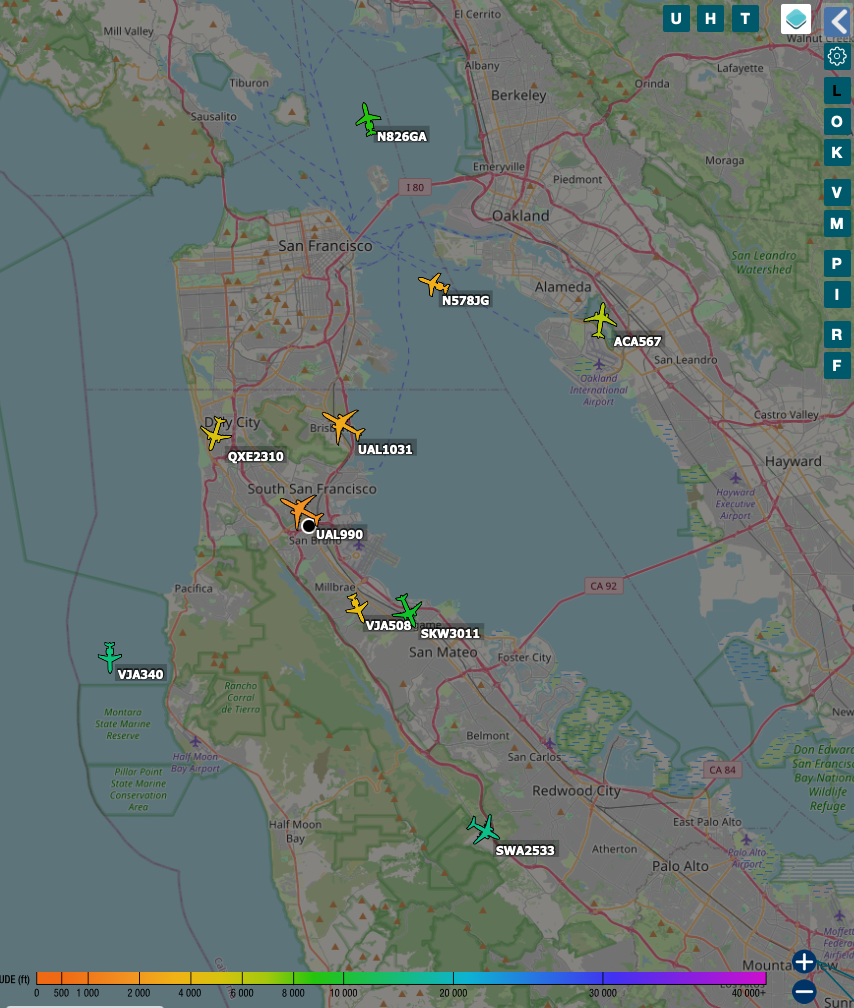
We’ve included an automatic installation of “readsb” and “tar1090” so you can plug in the RTL SDR into your ClearNode’s USB port and use it to track the aircraft transmitting ADS-B tracking data in the skies above you.
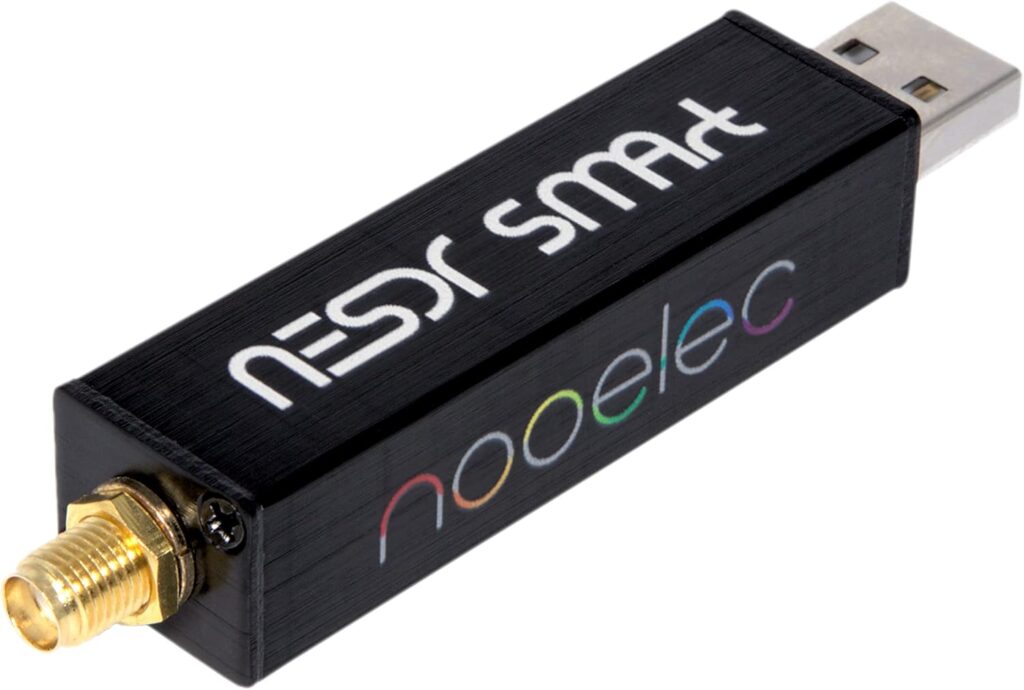
You will need a supported RTL Software Defined Radio (SDR) with an appropriate antenna, below are examples currently available on Amazon at very good prices. (Click on the image to head over to Amazon … and no, we are not getting any kind of commission on your purchase at Amazon.)
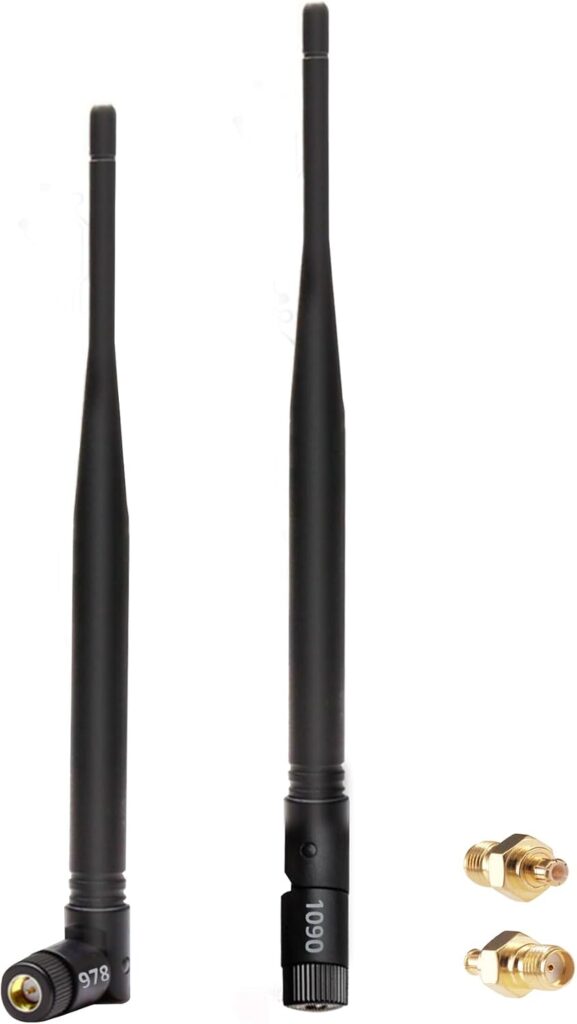
After the installation, put your node on a window sill with a good view of the sky, with the antenna oriented vertically. Then navigate in your web browser to an URL similar to:
http://[your node ip address]/tar1090/